
Complete Guide...
October 15, 2026

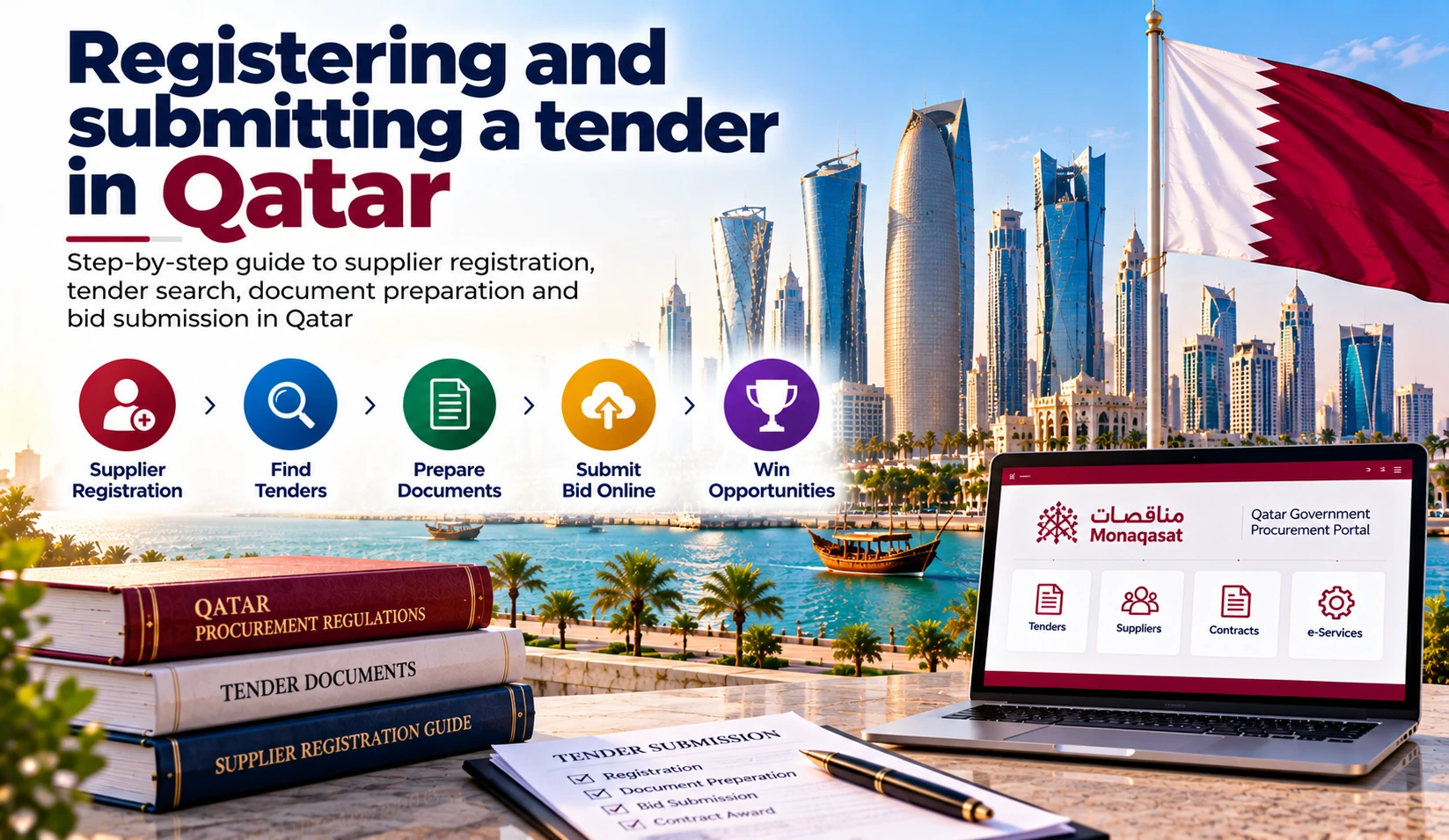
Registering and submitting a tender in Qatar is a structured process that every supplier, contractor, and service provider must master before bidding on government contracts. Unlike many markets where registration is a simple formality, Qatar requires companies to complete a multi-step process involving company profile creation, Ministry of Finance classification, and National Authentication System registration before any bid can be submitted.
The process begins on the Monaqasat platform, Qatar's unified government procurement portal managed by the Ministry of Finance. Companies must first create an approved company profile, then apply for classification in their relevant activities or specializations. Only after classification is granted can a company purchase tender documents and submit electronic bids.
This guide provides a complete step-by-step walkthrough of the entire registration and tender submission process in Qatar, from the initial National Authentication System account through to electronic bid submission. It covers required documents, classification procedures, bid preparation, bid bonds, common mistakes, and practical tips for ensuring your submission is accepted.
Access to Monaqasat is through the National Authentication System (بوابة التوثيق الوطني), Qatar's unified digital identity platform. Without a National Authentication System account, you cannot access any Monaqasat services.
How to register:
Logging in to Monaqasat:
Every time you log in, the system sends a one-time password to your registered mobile number. Ensure your mobile number is correct and active before starting the registration process. If you change your mobile number, update it immediately in the National Authentication System to avoid losing access to your account.
After logging in to Monaqasat through the National Authentication System, the next step is to create your company profile. The company profile is the foundation of your presence on the portal. Without an approved company profile, you cannot apply for classification or purchase tender documents.
How to create your company profile:
Once the application data is validated and approved by the Ministry of Finance, a notification will be sent to the applicant. After approval, you can proceed to apply for classification.
Important: The company profile must be approved before you can proceed to classification application. Ensure all documents are valid and uploaded correctly to avoid delays. An incomplete or unapproved company profile blocks all subsequent services on Monaqasat.
The following documents are required for company profile creation and classification application on Monaqasat.
| Document | Arabic Name | Importance | Conditions |
|---|---|---|---|
| Commercial Registration | السجل التجاري | Mandatory | Updated version, not exceeding three months from date of issuance. Compliance with activities contained in the Commercial Register. |
| Trade License | الرخصة التجارية | Mandatory | Must be valid. Proof of licenses or certificates for activities that require them. |
| Establishment Registration | قيد المنشأة | Mandatory | Valid and current. |
| Articles of Association | عقد التأسيس | Mandatory | Company incorporation documents. |
| Audited Budget | ميزانية مدققة ومعتمدة | Suppliers and Service Providers (if applicable) | Accurate and reliable audited budget from dependable audit firms. Net assets are approved from the budget. |
| Statistical Certificate | إحصائية عمال | Suppliers and Service Providers (if applicable) | Number of technical and administrative staff from the statistical certificate. Date of issuance not exceeding three months. |
| Contracts | العقود | Suppliers, Service Providers and Contractors (if applicable) | Acceptance of last 3 years contracts for suppliers and service providers, 5 years for contractors. Certificate of completion attached. |
| QCCI Membership | عضوية غرفة قطر | Mandatory | Class A membership is required for most government tenders. |
| Tax Card | البطاقة الضريبية | Mandatory | Valid tax registration certificate. |
All documents must be uploaded in PDF format. Ensure that documents are clear, legible, and valid. Expired documents will cause your application to be rejected or delayed.
Classification is mandatory for participation in government tenders in Qatar. Companies wishing to participate in government tenders must be classified through the Ministry of Finance's classification program. This is a legal requirement under the Tenders and Auctions Law (Law No. 24 of 2015).
Types of classification:
How to apply for classification:
Classification criteria: Companies are classified according to categories based on financial criteria, health, quality, safety, and performance evaluation in government entities. The classification system determines which tenders a company is eligible to bid for based on its classification grade and activities.
Important: The activity or specialization you wish to be classified for must be present in your Commercial Registration. If the activity is not in your Commercial Registration, you cannot apply for classification in that activity.
| Service | Fee |
|---|---|
| Supplier Classification (per activity) | QR 200 |
| Service Provider Classification (per activity) | QR 200 |
| Contractor Classification (per specialization) | QR 1,000 |
| Adding Activity to Existing Classification (Supplier/Service Provider) | QR 200 per activity |
| Adding Specialization to Existing Classification (Contractor) | QR 1,000 per specialization |
Important note: Fee exemptions for supplier classification ended on 6 April 2025. All applicants must now pay the applicable fees. The Ministry of Finance issued a decision specifying the fees for tender documents, auctions, and the issuance of classification certificates for contractors, suppliers, and service providers.
Certificate validity: Classification certificates have a defined validity period. You must ensure your certificate remains valid throughout the bidding process. Renewal applications should be submitted before expiry. A classification certificate that has lapsed will prevent you from purchasing tender documents and submitting bids.
Adding activities after initial classification: If your company is already classified and wishes to add new activities or specializations, you can do so through the Monaqasat portal. The company profile must be approved and the classification certificate must be valid. The activity or specialization you wish to add must be present in your Commercial Registration.
Once your classification certificate is issued, you can search for tenders that match your classified activities. The Monaqasat platform offers several search functions, all free of charge.
Available search options:
When reviewing a tender, check the following details: tender number, type, subject, ministry, entity's tender number, request type, envelope system, tender bond amount, document value, and closing date. This information allows you to assess whether a tender matches your classification and business capabilities before purchasing documents.
After identifying a tender you wish to pursue, you must purchase the tender documents through the Monaqasat platform.
How to purchase tender documents:
Important rules:
Document values vary by tender and are set by the contracting authority. Typical document fees range from QR 500 to QR 2,000 depending on the complexity and value of the tender. The document value is clearly displayed in the tender announcement on Monaqasat.
Bid preparation is the most critical stage of the tender process. Your bid must be complete, compliant, and submitted on time. The tender documents you purchased contain all the requirements, specifications, and evaluation criteria.
Components of a typical bid:
How to prepare your bid electronically:
Envelope systems: Tenders specify either a one-envelope or two-envelope system. In a one-envelope system, technical and commercial offers are submitted together. In a two-envelope system, technical and commercial offers are submitted separately. Technical envelopes are opened first, and only technically compliant bidders have their commercial envelopes opened.
If the tender conditions require an initial guarantee, you must attach a temporary security with your bid. The bid bond requirements are strictly enforced.
Bid bond rules:
Bid bond value: Typically 1% to 5% of the bid value, depending on the tender. The exact amount is specified in the tender announcement. For example, a recent ASHGHAL tender for roads surrounding Doha Air Base required a tender bond of QR 5,300,000 with a document fee of QR 22,000.
Important: The bid bond must be submitted with your bid. If your bid is accepted, the bid bond may be retained as part of the performance guarantee. If your bid is not accepted, the bid bond is returned.
Monaqasat allows electronic bid submission for most government tenders. Bids are prepared and submitted through the supplier's account on the platform.
How to submit your bid:
Critical submission rules:
Technical tips for submission:
While Monaqasat is the central portal, major state-owned enterprises operate their own parallel procurement systems. You must register separately on each relevant portal.
ASHGHAL e-Tendering System:
QatarEnergy Mushtaryat Portal:
QatarEnergy Helpdesk: Qatar local call 40131199 (6:30 AM to 2:30 PM GMT+3), International toll-free numbers available, Email: sourcing.support@jaggaer.com
Registering and submitting tenders in Qatar involves multiple portals, strict documentation requirements, and complex classification procedures. TendersArabia.com provides comprehensive support to suppliers, contractors, and service providers throughout the entire process.
Get started today:
Registering and submitting a tender in Qatar is a structured, multi-step process that requires careful preparation and attention to detail. From creating your National Authentication System account and company profile on Monaqasat, to applying for Ministry of Finance classification, purchasing tender documents, preparing a compliant bid, arranging the bid bond, and submitting electronically before the deadline, each step is mandatory and strictly enforced.
The most successful bidders are those who start early, maintain valid documentation, keep their classification certificates current, and understand the specific requirements of each portal. Qatar's procurement market rewards preparation. Companies that invest time in proper registration and classification position themselves to win government contracts consistently.
Start your Qatar tender journey today with TendersArabia.com and let our bidding consultancy team help you register, classify, and submit winning bids for Qatar government contracts.
To register for Qatar government tenders, you must first create a National Authentication System account, then create a company profile on Monaqasat (<a href="https://monaqasat.mof.gov.qa/" target="_blank">monaqasat.mof.gov.qa</a>), and finally apply for Ministry of Finance classification. Only after classification is granted can you purchase tender documents and submit bids.
The National Authentication System (بوابة التوثيق الوطني) is Qatar's unified digital identity platform. It provides secure access to Monaqasat and other government e-services. You must have a National Authentication System account to log in to Monaqasat and access any of its services.
Required documents include Commercial Registration (valid, not exceeding three months), Trade License, Establishment Registration, Articles of Association, audited budget, statistical certificate (labor statistics), contracts from previous years, QCCI Class A membership, and tax card. All documents must be uploaded in PDF format.
Log in to Monaqasat through the National Authentication System, click "Add New Company," select your company type, fill in the Commercial Register and Trade License details, upload required documents in PDF format, and submit for review. There are no fees for company profile creation.
Classification is mandatory for participation in government tenders. After your company profile is approved, navigate to the classification section, select the type (contractor, supplier, or service provider), choose your activities or specializations, upload supporting documents, pay the applicable fees, and submit for review by the Government Procurement Regulation Department.
Supplier classification costs QR 200 per activity. Service provider classification costs QR 200 per activity. Contractor classification costs QR 1,000 per specialization. Fee exemptions for supplier classification ended on 6 April 2025.
Classification processing time varies depending on the completeness of your application and the volume of applications being processed. Ensure all documents are valid and correctly uploaded to avoid delays. You can track the status of your application through your Monaqasat account.
Use the Monaqasat search functions: Current Tenders, Future Tenders, Financially Opened Tenders, Technically Opened Tenders, Awarded Tenders, Closed Tenders, and Cancelled Tenders. You can also search by tender number, classification, year, tender type, requesting entity, or subject.
Log in to Monaqasat, navigate to the tender you wish to pursue, click the "Buy" icon, and pay the prescribed document value electronically. After payment, the documents become available for download in your account. The documents belong exclusively to the purchasing entity.
Prepare your bid in PDF format with all required documents: technical proposal, commercial offer, bid bond, Commercial Registration, QCCI membership, tax clearance certificate, and classification certificate. Log in to Monaqasat, navigate to purchased bids, upload your files according to the envelope system, and submit before the closing date and time.
Bid bonds are typically 1% to 5% of the bid value, depending on the tender. They must be in the name of the government authority, be a manager's cheque or bank guarantee letter issued by a local or accredited bank, be irrevocable, and be valid for not less than 120 days from the bid delivery date.
No. The Monaqasat system does not accept late submissions under any circumstances. Start uploading your documents at least five hours before the closing time to avoid technical issues.
Yes. While Monaqasat is the central portal, ASHGHAL and QatarEnergy operate their own procurement systems. You must register separately on ASHGHAL e-Tendering (<a href="https://erp.ashghal.gov.qa/" target="_blank">erp.ashghal.gov.qa</a>) and QatarEnergy Mushtaryat (<a href="https://mushtaryat.qatarenergy.qa/" target="_blank">mushtaryat.qatarenergy.qa</a>).
KYS stands for Know Your Supplier. It is a mandatory questionnaire on the QatarEnergy Mushtaryat Portal. Completion of the KYS Questionnaire is required for the issue of Request for Quotations or Tender Documents.
Common mistakes include using expired documents, applying for classification without the activity in your Commercial Registration, submitting an incomplete company profile, missing the bid bond deadline, submitting bids after the closing time, not registering on sector portals, and assuming English is sufficient without Arabic capability.